iOS · Augmented reality
See your lighting before you buy it.
Lumood turns your iPhone into a lighting studio. Point it at any room, place real fixtures in augmented reality, tune the warmth and mood, and capture the result — all before you spend a thing.
Coming soon to the App Store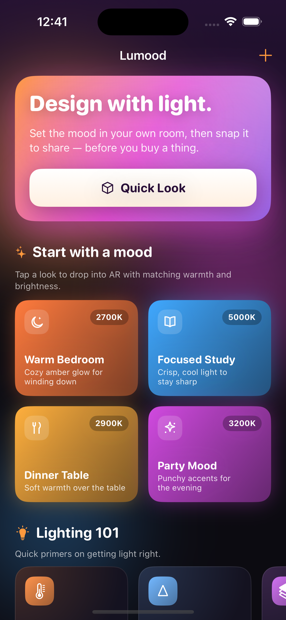
How it works
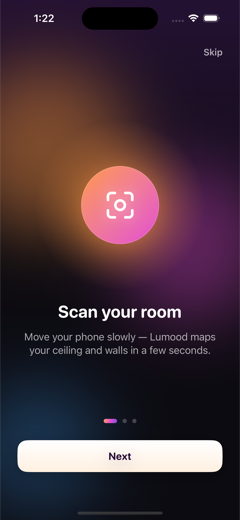
Scan your room
Move your phone slowly and Lumood maps your ceiling and walls in seconds.
Place your lights
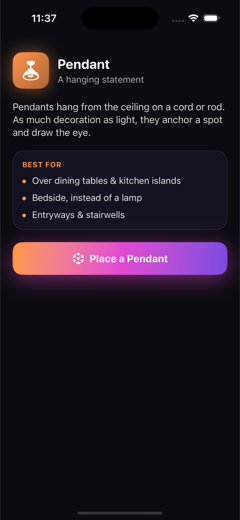
Pendants, downlights, sconces, tracks and strips — tap a surface to hang them.
Set the mood
Dial in colour temperature, brightness and beam width, then snap a photo to share.
A look inside
Made for real rooms
- Any recent iPhoneWorks on any ARKit iPhone running iOS 17 or later. No LiDAR required.
- Private by designEverything stays on your device. No account, no analytics, no data collected.
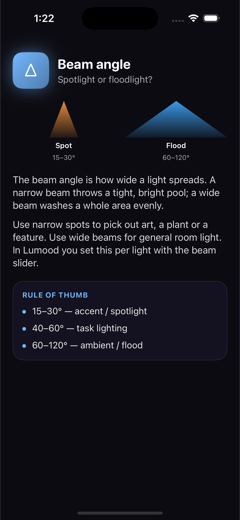
- Learn as you designBuilt-in primers on colour temperature, beam angle and fixture types.
Design your lighting. Then buy with confidence.